
THE SAMPHA VERIFY GUIDE
From first hello
to a clearer picture.
Gather your details, try the checks and see how a verification card comes together.
Start and continue by SMS
Text SAMPHA-VERIFY (or SAMPHA VERIFY) to +44 7482 755169, then CONTINUE. Reply with your email address. We send a Sampha code there; reply with that code in the same SMS conversation to confirm email access. RESUME repeats the current question, STOP opts out, START resumes messages and HELP provides support. WEB sends a signed, single-use link to your existing request status or private demo card. It expires in 15 minutes and opens a 30-minute private view without sign-in. Do not forward it. Editing and publication still require sign-in.
Gather your person and business details
Answer the name, trading name, business type, legal company name, company number and service-area questions by SMS. Reply CONFIRM to save, or CHANGE EMAIL, CHANGE NAME or CHANGE BUSINESS to correct. Details are self-declared. For a fictional walkthrough use Trigger, Triggers Sweepers, Triggers Street Sweeping LTD and DEMO0001. Sole traders skip company questions.
Try the checks and upload the sample portrait
The two-way SMS conversation confirms phone access; the emailed code confirms email access. These are not identity checks. Reply DEMO after confirming your details to run the fictional required checks and submit. Identity, company, qualification, DBS and insurance checks stay simulated. WEB opens the optional portal for the sample portrait and additional demo scenarios; genuine documents are disabled.
Download Trigger’s demo portrait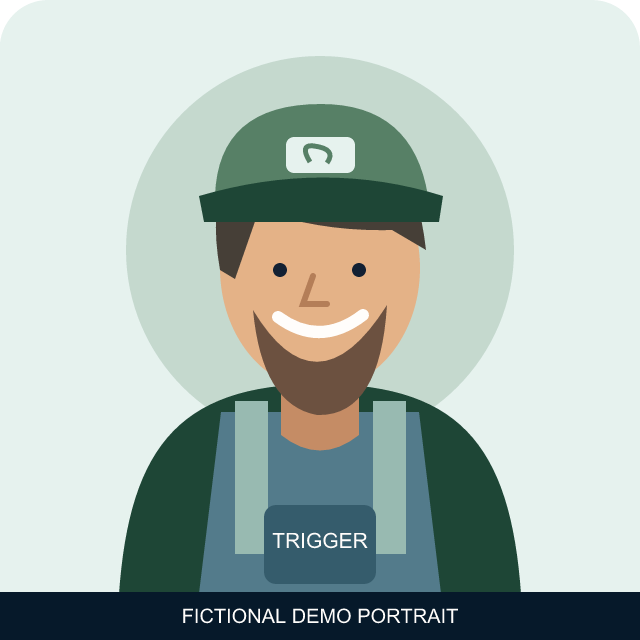
Submit for a human review
The DEMO command submits the fictional scenario for human review. Text STATUS for progress; updates stay in SMS. An authorised reviewer uses the web review desk and cannot approve their own application. Text WEB to see your current request status or private demo card directly. Detailed review feedback and card publication still require secure portal sign-in.
Preview and choose what to share
Return to your applicant account. Your card starts private. Review the selected fields and publication notice before making it public. Public cards are searchable by business name. Make the card private to immediately remove public access.
Connect a card to another tool
Read an opted-in card with GET /api/v1/public/cards/{publicId}. Private cards require a session or a separately granted service token. Tokens are limited to specific cards and can be revoked in the web admin interface.
const response = await fetch(
  '/api/v1/public/cards/YOUR_PUBLIC_CARD_ID'
);
const { data: card } = await response.json();
// Always display card.disclaimer and claim provenance.
COMING LATER
The same journey, in your conversation.
WhatsApp and Telegram signup, ChatGPT onboarding and card retrieval, and Slack/Telegram admin tools. The planned WhatsApp trigger is SAMPHA VERIFY; it is not connected in this POC. Sensitive steps will continue in the secure web portal.
Future MCP tools will give approved AI agents scoped access. Final review and publication decisions will initially stay in the web interface.